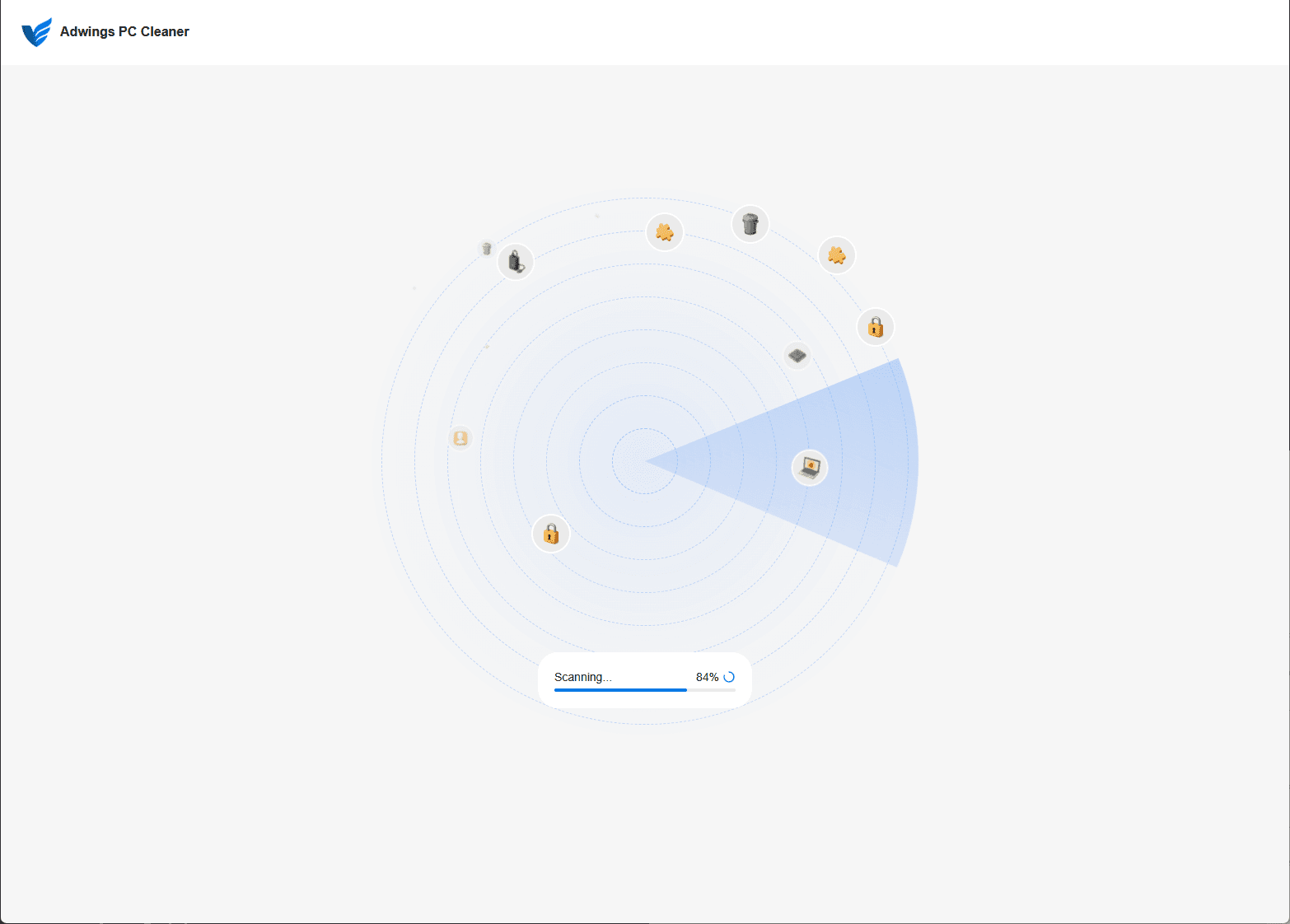
Junk File Cleaner
Scan for temporary files, cache, logs, and other unnecessary files that occupy valuable storage space.
Windows cleanup software to free up storage, remove unnecessary files, and keep your PC running smoothly.
Adwings PC Cleaner is an all-in-one PC cleanup software built to clean, optimize, and protect your Windows computer. Remove junk files, clear temporary files, free up valuable storage space, and improve overall system performance with a fast, secure, and easy-to-use solution. Whether you need a trusted computer cleaner software, Windows PC cleaner, or advanced PC optimization software, Adwings helps keep your PC running faster, smoother, and more efficiently every day.
Quick Installation
User-Friendly Interface
Secure Scan Process
Regular Software Updates
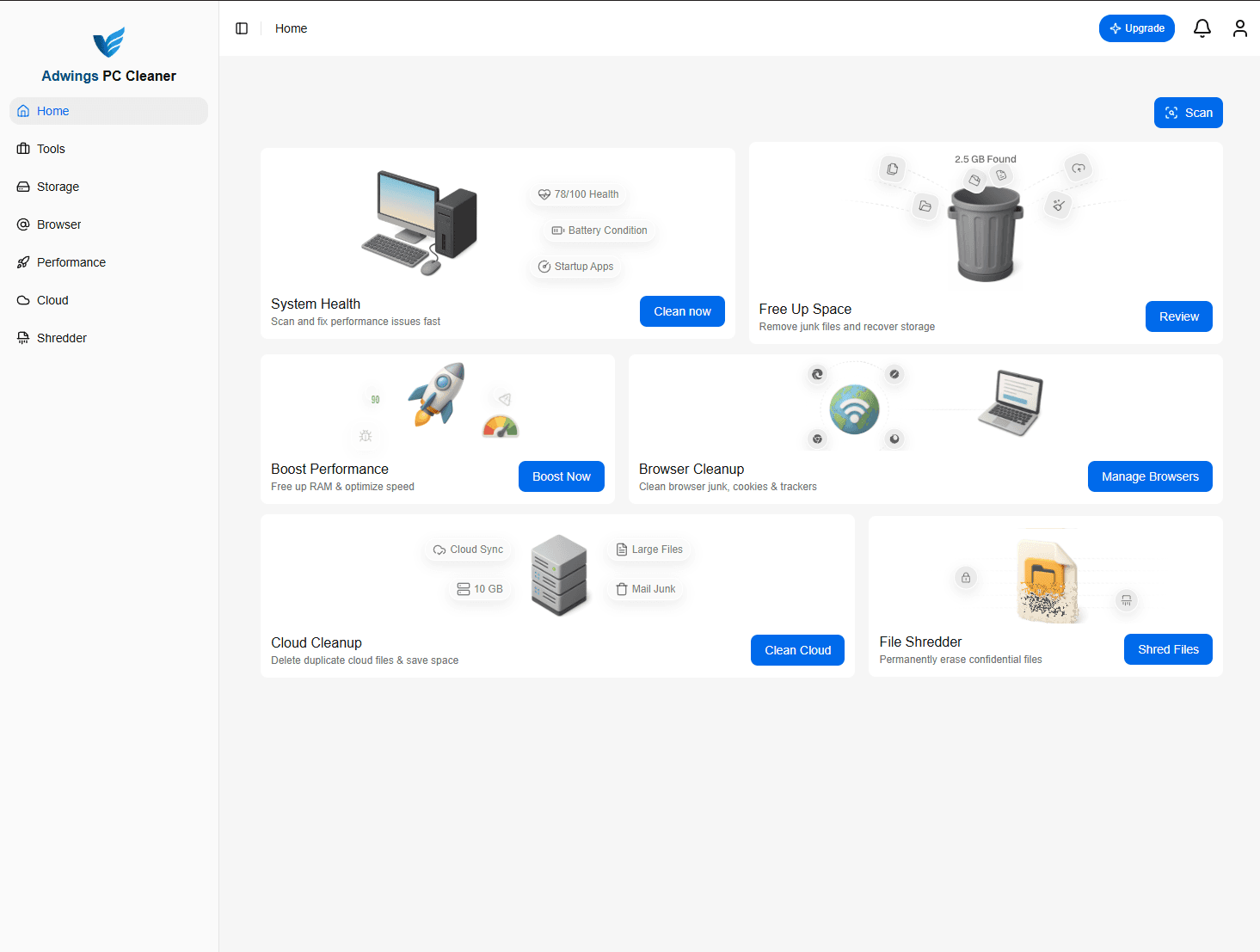
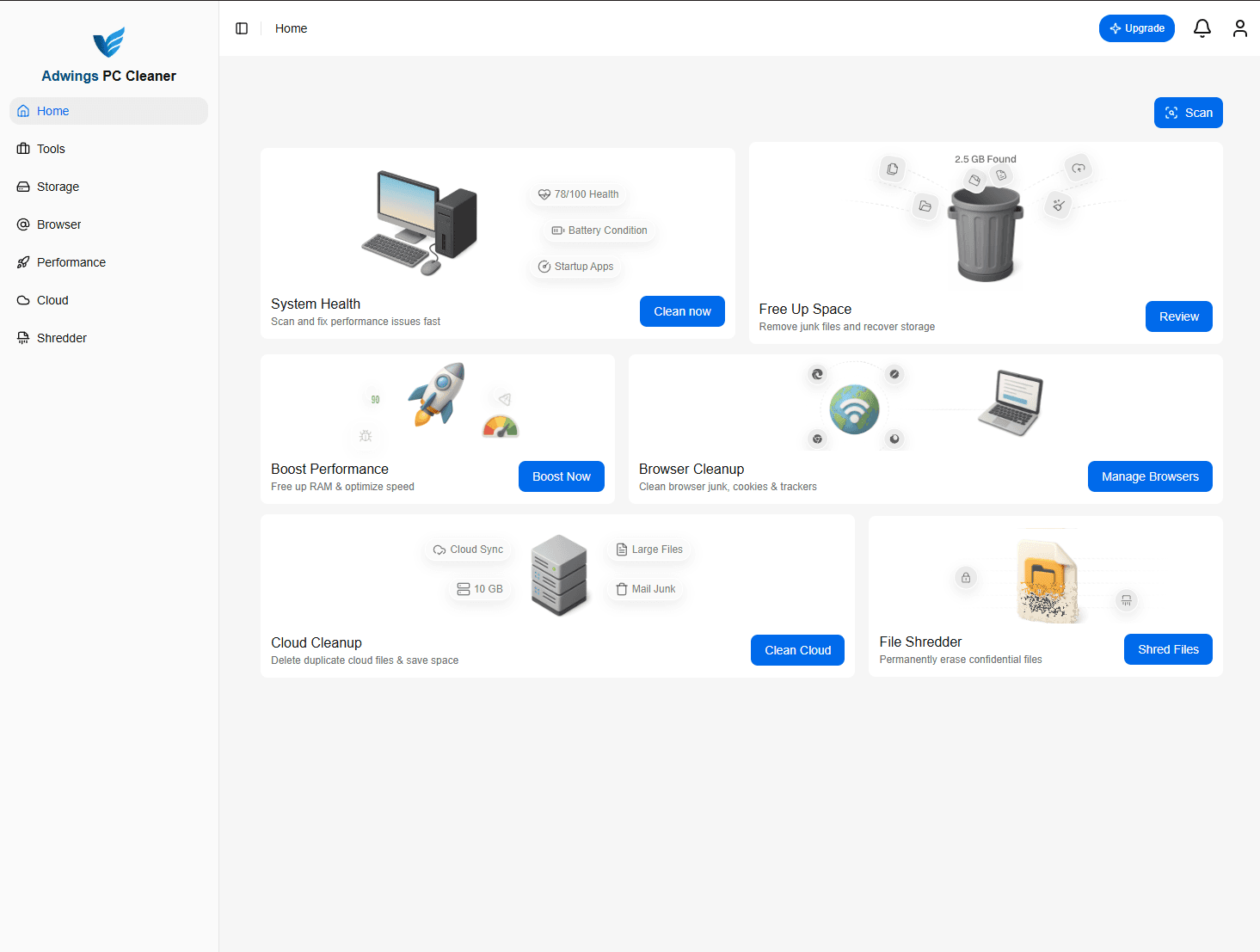
Adwings PC Cleaner helps you find junk files, reclaim storage, spot duplicates, and manage startup apps so your PC stays faster and easier to maintain without digging through folders by hand.
Full access from
$49
per year
Your PC collects unnecessary files every day. Over time these can lead to:
Our PC Cleaner helps identify unnecessary files so you can manage storage more efficiently.
Every time you browse the internet, install software, or save files, your computer accumulates temporary files, cache, duplicate files, large forgotten files, and other unnecessary data.
Over time, these files can reduce available storage and make it more difficult to manage your computer efficiently.
Adwings PC Cleaner helps you identify unnecessary files so you can review and remove only the items you choose.
Your computer slows down over time as junk files, temporary data, and unnecessary system clutter build up. Adwings PC Cleaner combines powerful system cleanup software, intelligent computer optimization software, and advanced Windows maintenance tools to restore speed, improve stability, and maximize performance. Clean unwanted files, optimize Windows, and enjoy a faster, more responsive PC with just a few clicks.
Scan for temporary files, cache, logs, and other unnecessary files that occupy valuable storage space.
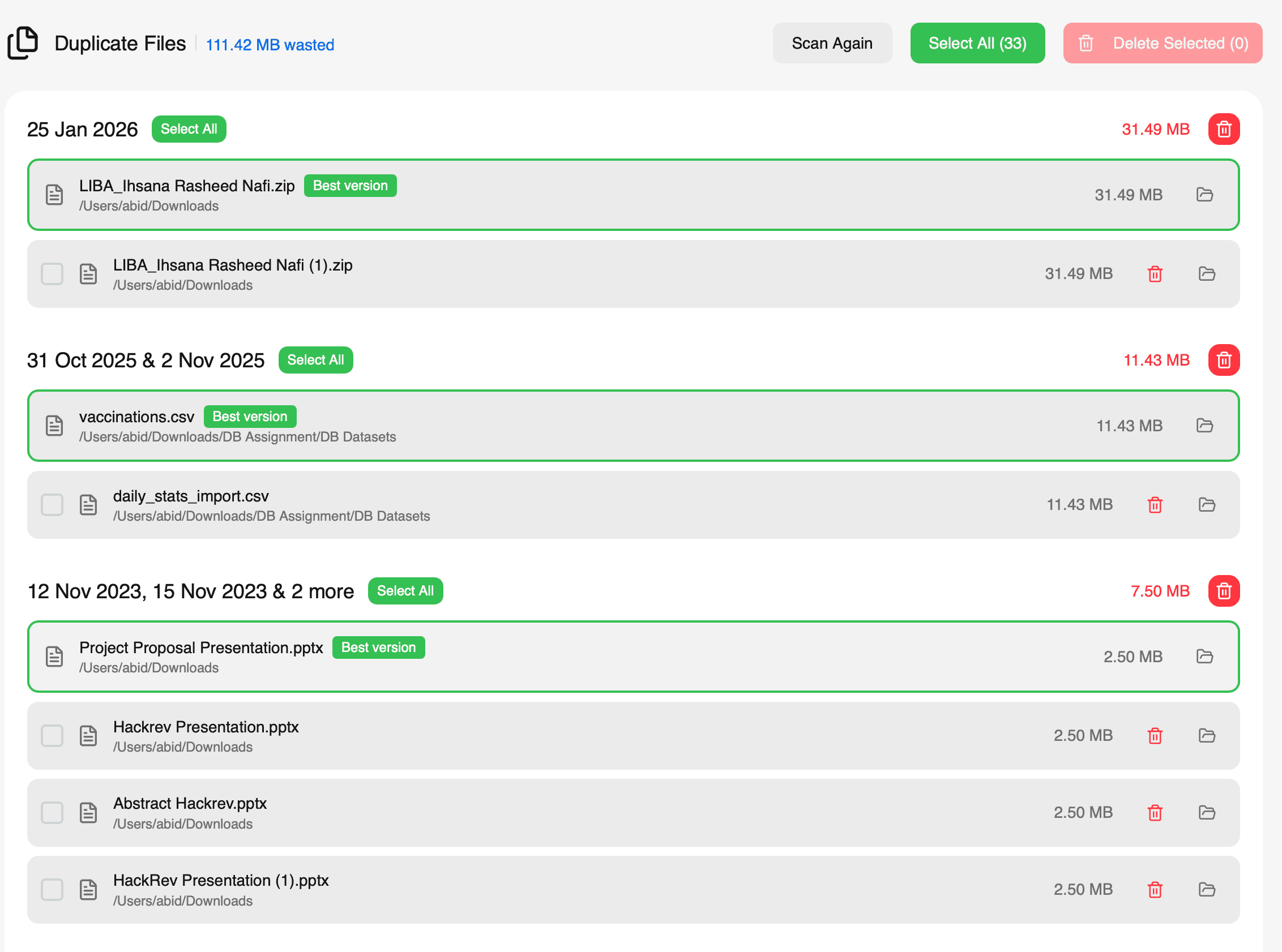
Locate duplicate photos, videos, documents, and other files so you can recover storage more efficiently.
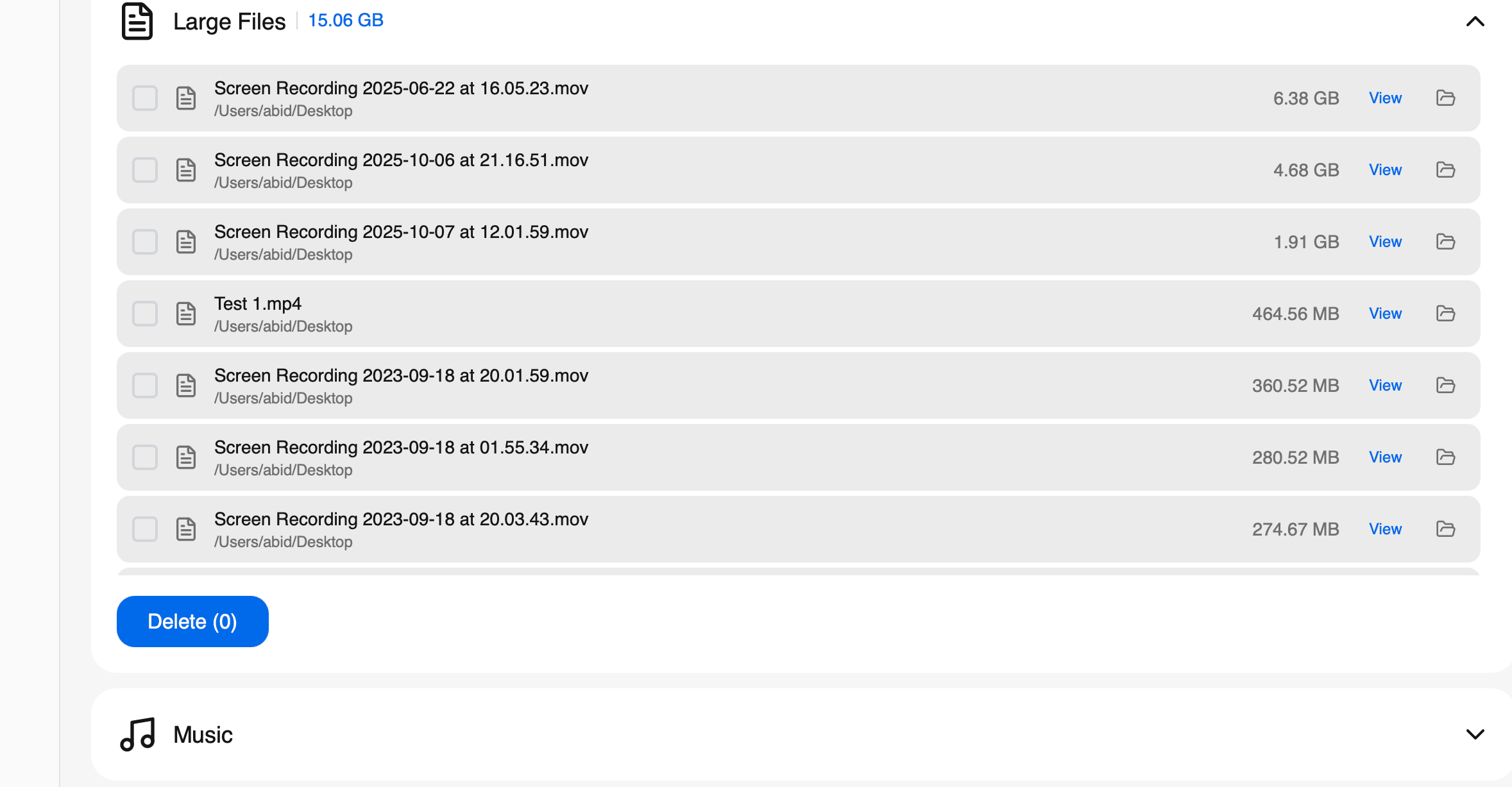
Quickly identify large files stored on your computer and decide which ones you want to keep or remove.
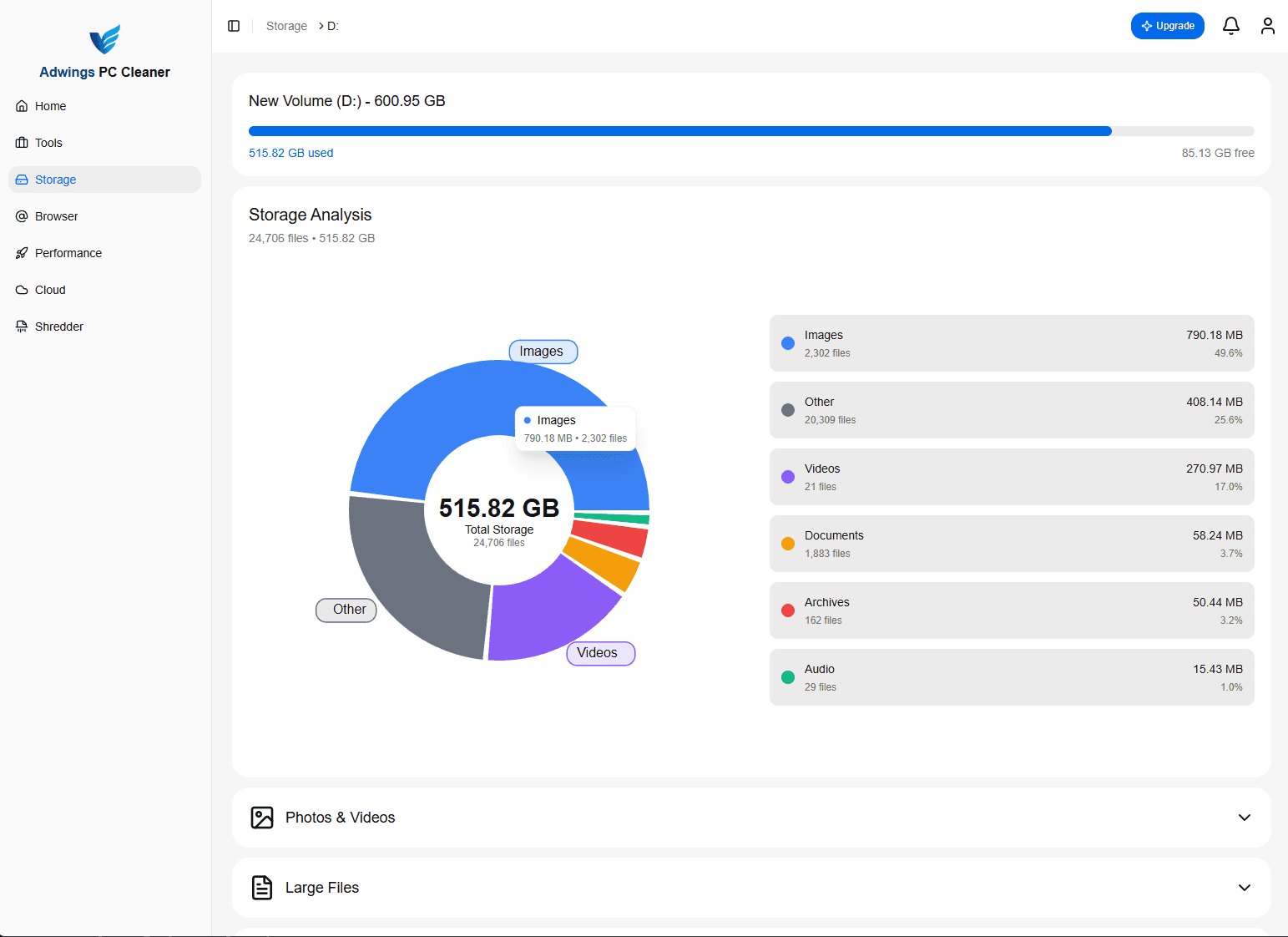
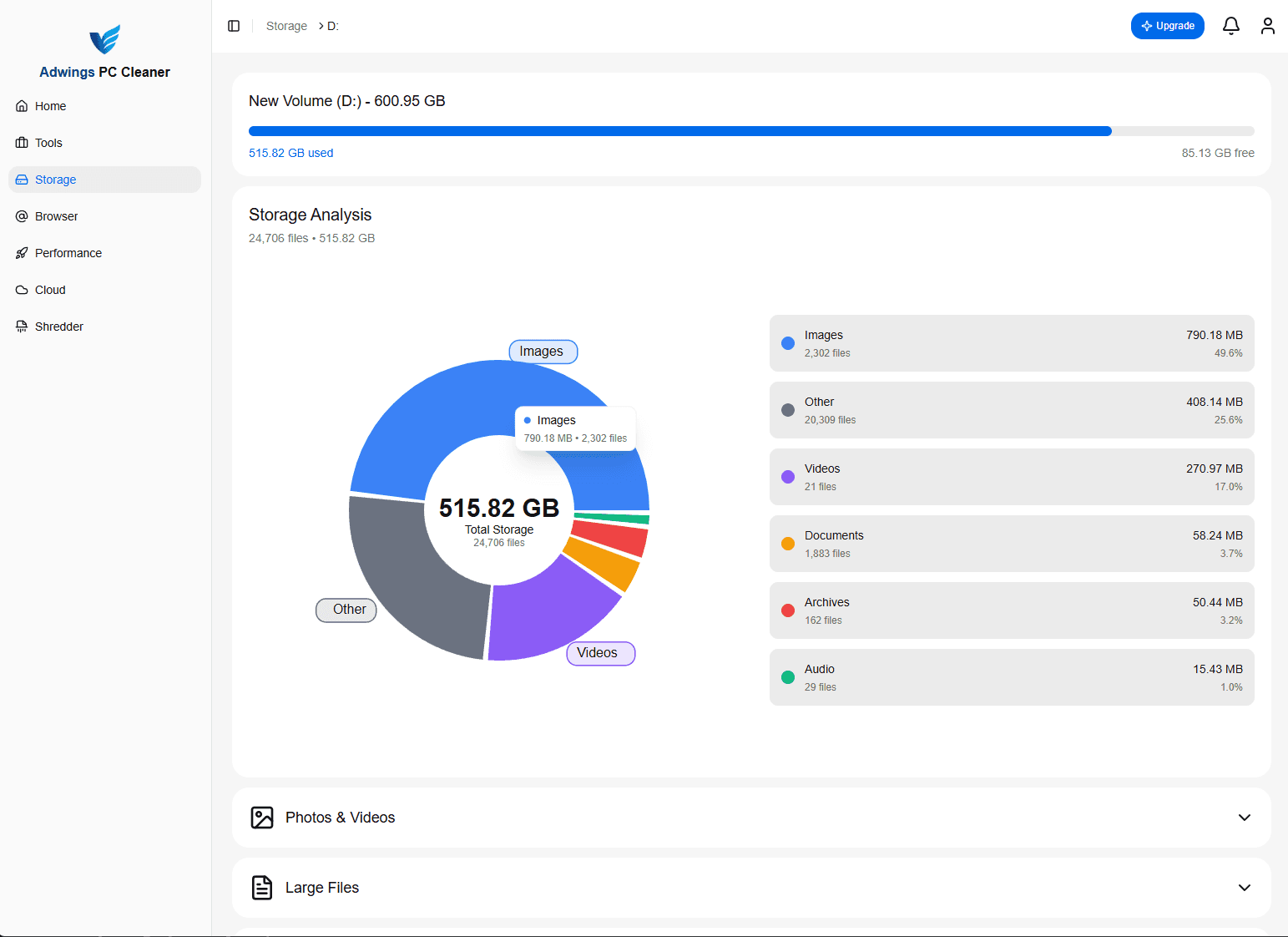
Visualize how your storage is being used and discover which folders consume the most disk space.
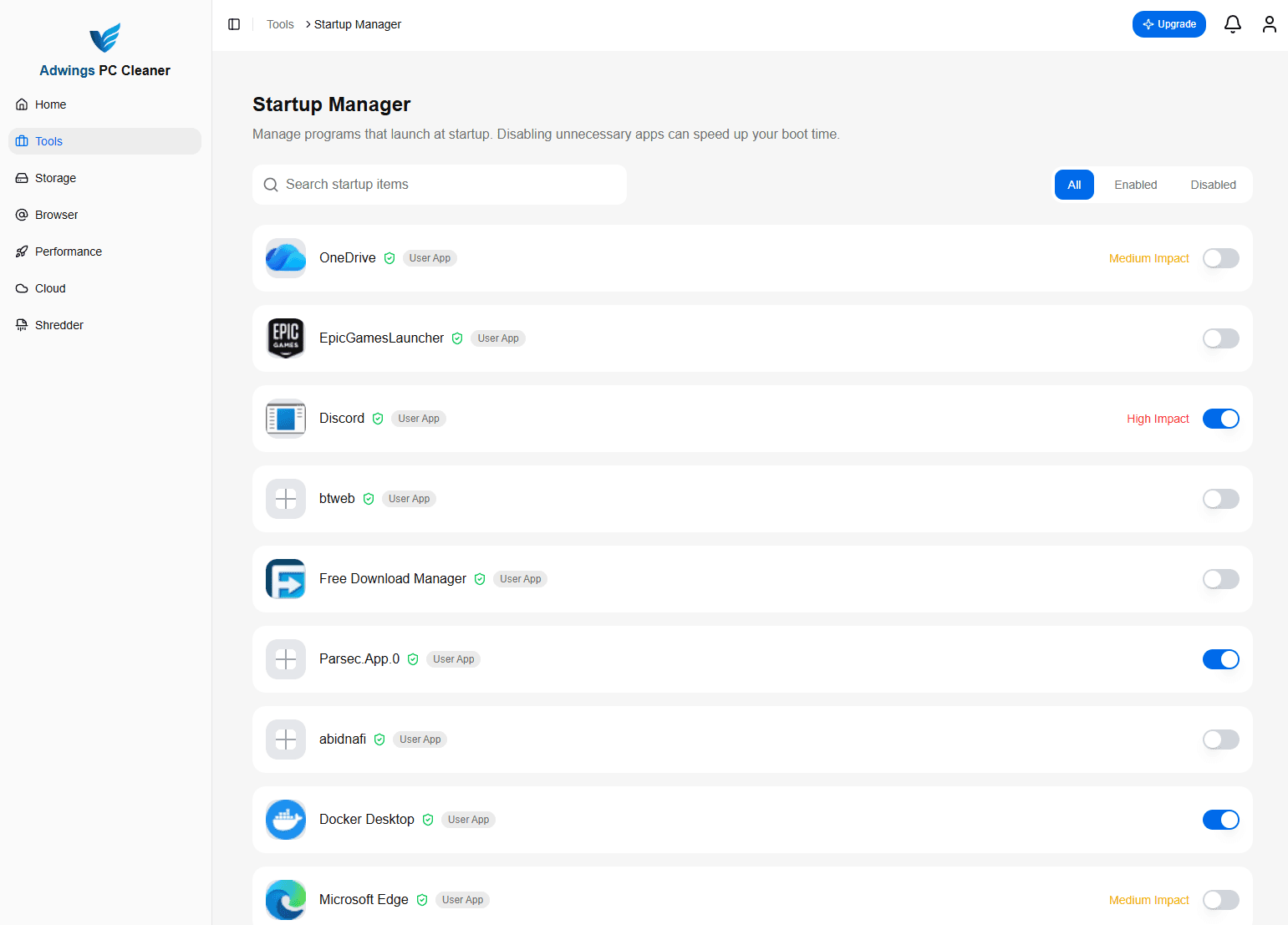
Review startup applications and manage which programs launch when Windows starts.
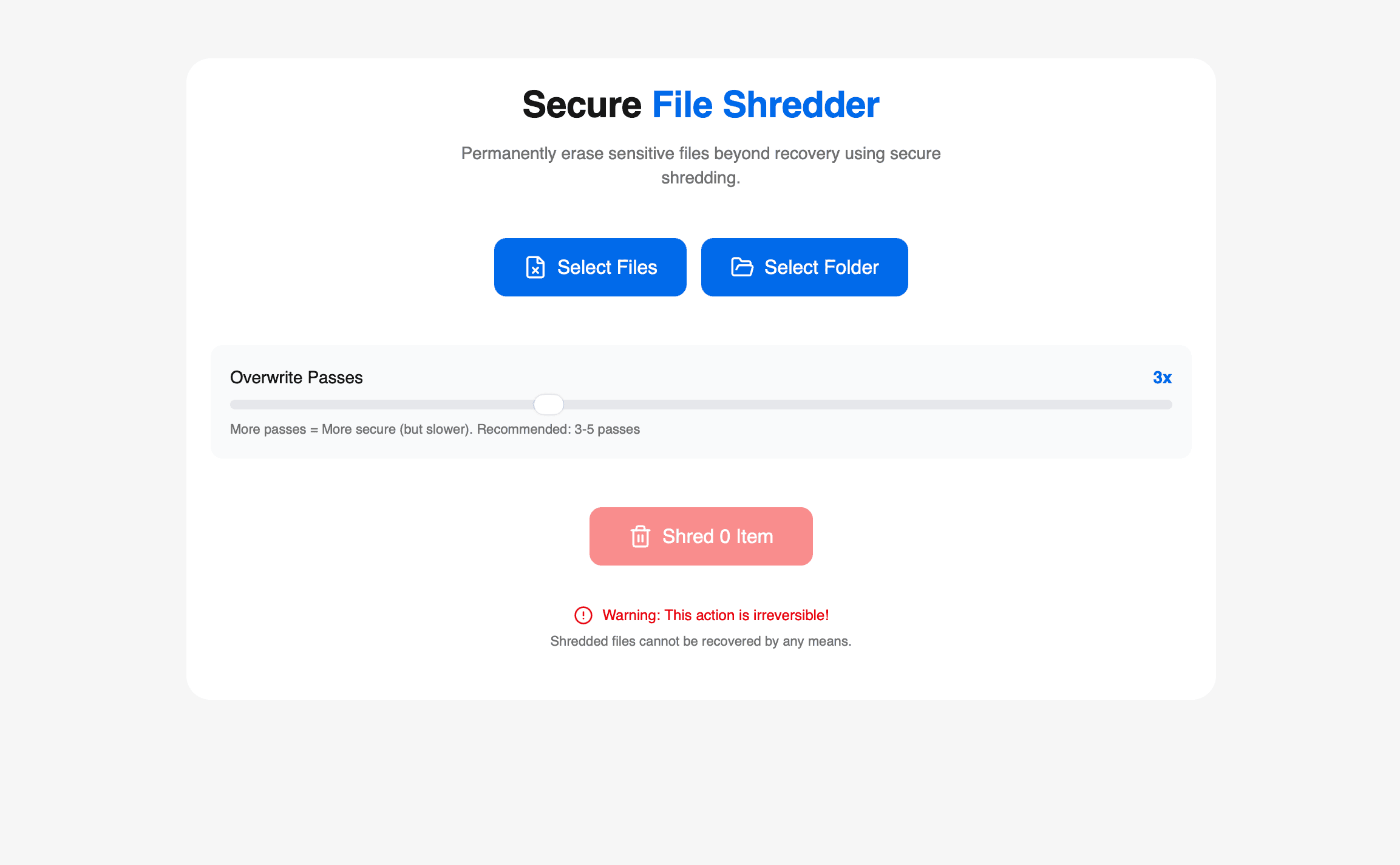
Delete selected files more securely to help reduce the likelihood of recovery using common recovery tools.
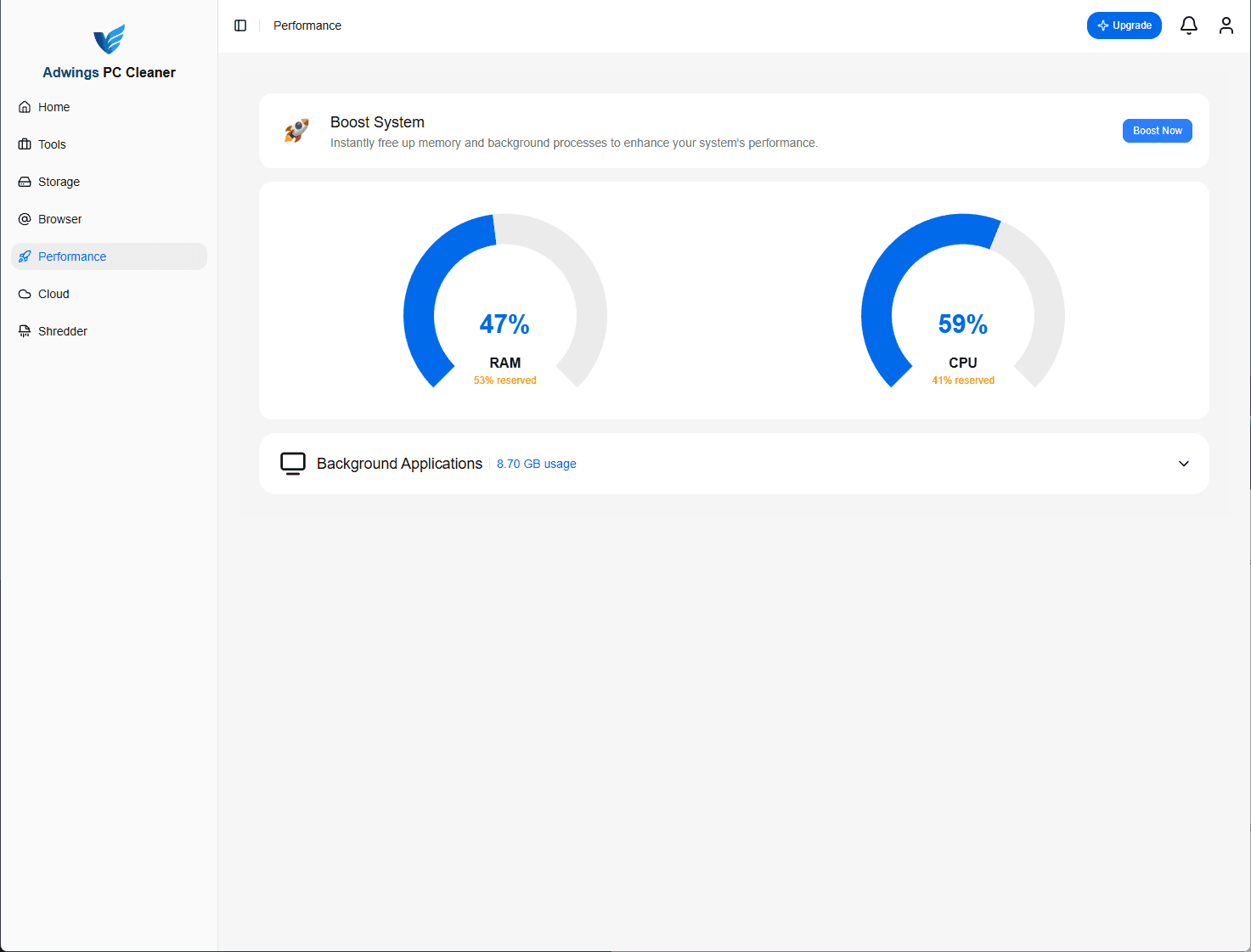
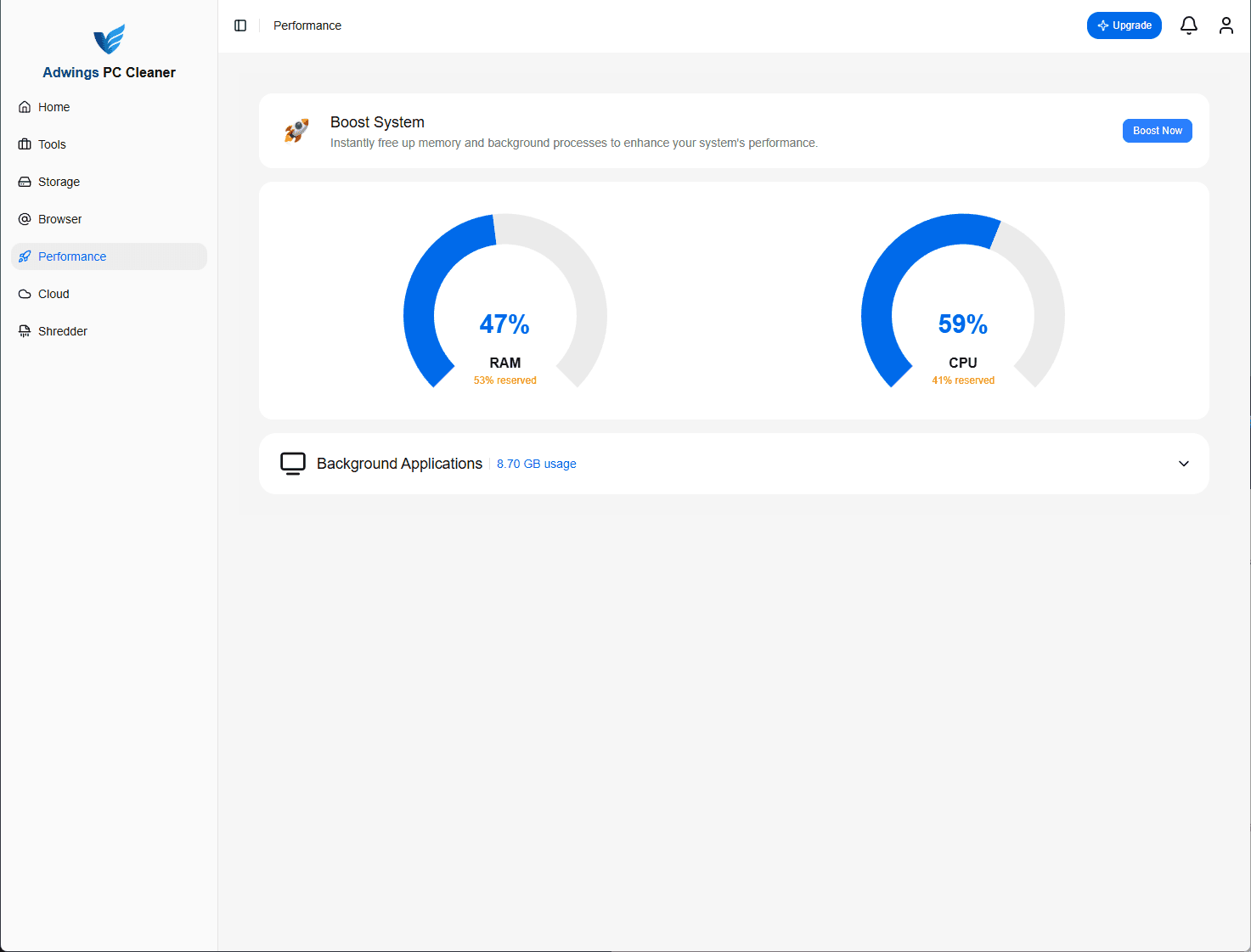
Access optimization tools designed to help improve overall system responsiveness through regular maintenance and cleanup.
Adwings PC Cleaner goes beyond basic cleaning. Our intelligent optimization engine helps improve startup speed, free up disk space, reduce system clutter, and maintain peak performance. From everyday maintenance to advanced computer performance optimization, Adwings gives your Windows PC the tools it needs to stay fast, reliable, and efficient.
Whether you're cleaning years of accumulated junk or performing routine maintenance, Adwings provides a complete set of tools to optimize your computer. As a trusted PC maintenance software, Windows cleanup tool, and computer storage cleaner, it helps improve system responsiveness, recover valuable storage space, and deliver a smoother Windows experience.
Not another wall of buzzwords — four reasons people stick with a cleaner that stays clear, controlled, and built for Windows.
From first scan to final cleanup, every step is designed so you understand what is happening — and decide what gets removed.
Adwings PC Cleaner is built for people who want an easier way to maintain their Windows computer. It is ideal for users who:
Whether you use your computer for work, study, entertainment, or everyday tasks, Adwings PC Cleaner helps you manage storage with confidence.
Step 1
Check out, then download and install in minutes.
Step 2
Analyze the computer for unnecessary files.
Step 3
See what can be cleaned before making changes.
Step 4
Remove selected items and free up storage.
Dashboard
All cleanup tools in one place
Scan Results
Review findings before you clean
Storage Analyzer
See what is using disk space
Duplicate Cleaner
Find and remove duplicate files
Large Files
Spot oversized files fast
File Shredder
Securely delete selected files
“My laptop feels much more responsive after cleaning unnecessary files.”
“The duplicate finder helped me recover several gigabytes of storage.”
“Very easy to use and the scan was surprisingly fast.”
Adwings PC Cleaner helps remove junk files, temporary files, and unnecessary system clutter while optimizing Windows performance for a faster and more responsive computer.
Yes. Adwings is designed specifically for Windows PCs, helping improve system performance, free up storage space, and simplify regular computer maintenance.
Regularly cleaning junk files, removing temporary data, and optimizing Windows settings can significantly improve startup speed, responsiveness, and overall system performance. Adwings PC Cleaner automates these tasks in just a few clicks.
Over time, unnecessary files accumulate and can affect your computer's speed. A professional PC cleanup and optimization tool helps maintain performance, recover storage space, and keep your Windows PC running smoothly.
Adwings PC Cleaner is digitally signed to help users verify the publisher of the software.
Verify the installer checksum and signature on our download verification page.